
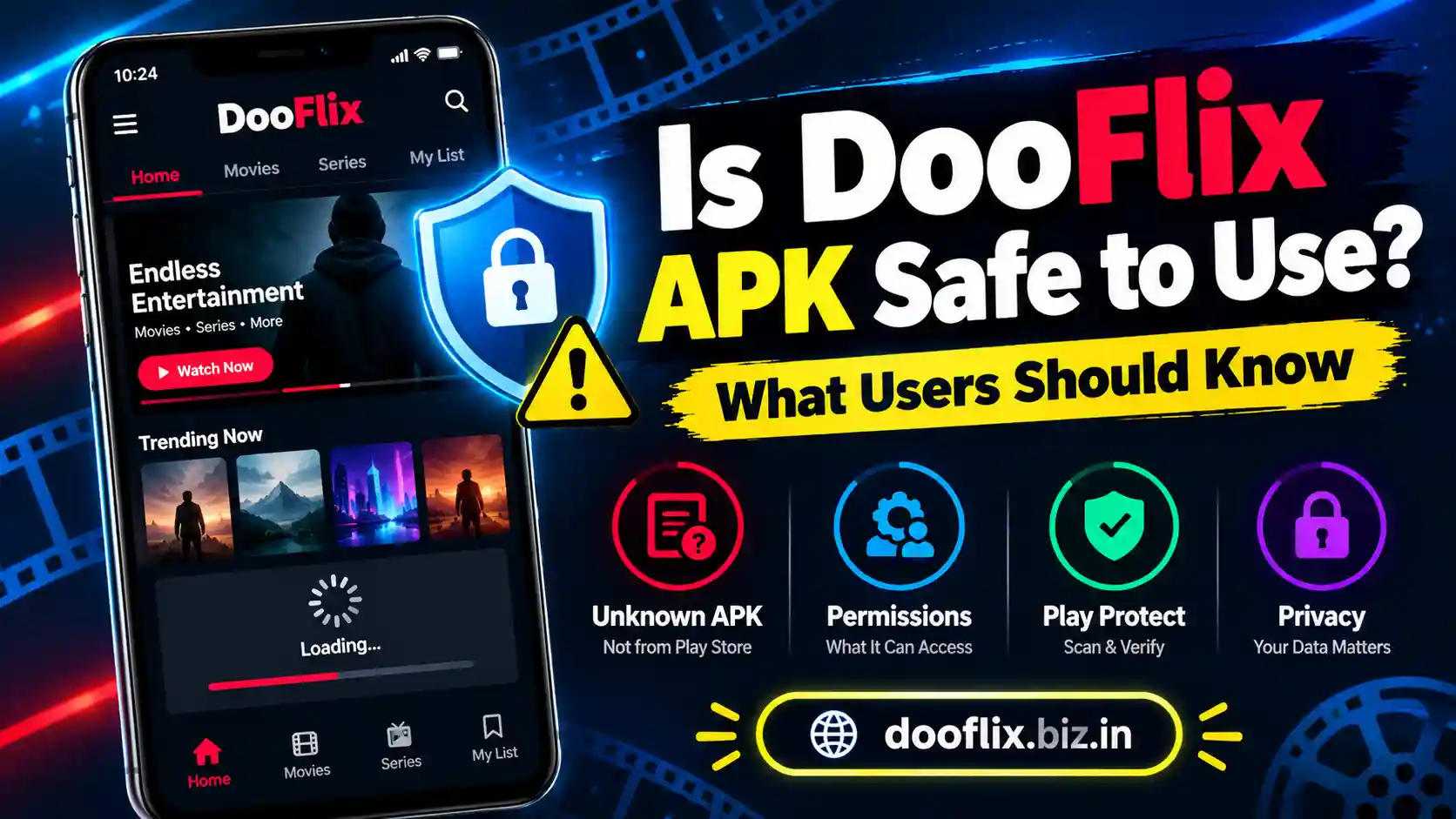
Before installing DooFlix APK on your Android phone, it is important to understand the possible security risks. The app may offer access to movies and TV shows, but downloading an APK from an unfamiliar website can expose your device to unwanted software, privacy issues, and other problems. The risk depends on the exact file, its source, and the permissions it requests. You should not assume that every DooFlix APK is safe simply because it installs successfully. In this guide, we will explain the main safety concerns, how to check an APK before installing it, and what to do if you have already downloaded the app.
What Is DooFlix APK?
DooFlix APK is an Android application package used to install the DooFlix app on compatible devices. APK files allow Android users to install apps without downloading them directly from Google Play.
Some users look for DooFlix APK when they want to watch movies and TV shows or when the app is unavailable through their usual app store.
However, an APK file is not automatically safe or unsafe. Its security depends on the code inside the file, the developer who created it, and whether it has been changed by another party.
Different websites may offer files with the same app name but different contents. A modified APK could include unwanted code, intrusive advertisements, or other features that were not part of the original application.
That is why checking the source and the specific file is important before installing it.
Is DooFlix APK Safe to Use?
There is no reliable way to declare every DooFlix APK safe without examining the exact version and installation file. A file downloaded from an unknown website may carry risks, even if its name and appearance match the app you want.
Google Play Protect checks apps for potentially harmful behavior, including apps installed from sources outside Google Play. It can warn users about suspicious apps and may block, disable, or remove harmful software. However, no security tool can guarantee that every threat will be detected.
Before installing DooFlix, consider these questions:
- Is the APK available from a trustworthy source?
- Can you identify the developer or publisher?
- Does Android display a security warning?
- Does the app request permissions that do not match its purpose?
- Can you find clear information about its privacy practices?
- Does the file have a verified version history?
If you cannot verify the file’s source or understand its permissions, the safer option is not to install it. You can also consider a recognized streaming service that distributes its Android app through an established app store.
1. Downloading APK Files From Unknown Websites
One of the main risks comes from downloading an APK from an unfamiliar website. Some sites may distribute genuine installation files, while others may provide modified or misleading downloads.
A file can use the DooFlix name, icon, and version number without being an authentic release. A convincing download page does not prove that the file is safe.
Be careful if a website:
- Opens several unexpected pop-ups.
- Redirects you to unrelated download pages.
- Requires you to install another app first.
- Claims that you must disable all security protections.
- Provides no clear information about the file or publisher.
- Offers several suspicious download buttons.
Avoid downloading files from pages that show these warning signs. If you cannot verify where the APK came from, do not install it.
2. Malware and Harmful Software Risks
A modified or malicious APK may contain software designed to harm your device or misuse your information. Depending on its behavior, harmful software can steal data, display unwanted advertisements, or attempt to gain access to sensitive features.
Google identifies several categories of potentially harmful applications, including spyware, trojans, phishing apps, and hostile downloaders. These threats can affect personal information, device security, and user privacy.
Possible warning signs include:
- Unusual advertisements appearing outside the app.
- Apps installing without your permission.
- Unexpected changes to your phone settings.
- Unexplained battery drain or mobile data usage.
- Security warnings from Google Play Protect.
- Requests for sensitive information that the app does not need.
These symptoms do not automatically prove that DooFlix is responsible. Other apps or system problems can cause similar behavior. However, if the symptoms begin after installing an APK, review that installation carefully.
3. Privacy and Personal Data Concerns
Your privacy is another important factor when deciding whether to install DooFlix APK.
Some apps collect information to provide their services, analyze usage, or display advertisements. The concern arises when an app collects more information than necessary or fails to explain how that information is used.
Depending on the app and its permissions, sensitive information could include contacts, photos, location, or other data stored on your device.
Before installing an APK, review its privacy policy if one is available. Check whether the developer explains what information is collected, why it is needed, and whether it is shared with third parties.
Be especially careful if the app asks you to provide banking details, passwords, or other sensitive information without a clear reason.
4. Check DooFlix App Permissions
Android allows you to control which features and information an app can access. Reviewing permissions can help you identify requests that do not make sense for the app’s purpose.
For example, a streaming app may need internet access to load videos. However, requests for access to SMS messages, contacts, or accessibility controls should have a clear and necessary explanation.
To review permissions on your phone:
- Open Settings.
- Select Apps or App Management.
- Find and select DooFlix.
- Tap Permissions.
- Review each permission.
- Deny access that is unnecessary for the features you use.
The menu names may vary depending on your Android version.
Google recommends limiting apps to the permissions they need. Certain sensitive permissions can also trigger additional Android security protections when an app is installed from an internet download.
Remember that permissions alone cannot prove an app is safe. They are one part of the overall security check.
5. Scan DooFlix APK With Google Play Protect
Google Play Protect is a built-in Android security feature that checks apps for potentially harmful behavior. It can scan apps installed from Google Play and other sources.
If you have downloaded DooFlix APK, use Play Protect to check the installation before opening it.
How to Scan an APK on Android
Follow these steps:
- Open the Google Play Store.
- Tap your profile icon in the top-right corner.
- Select Play Protect.
- Tap Scan.
- Wait for the scan to finish.
- Follow any instructions or warnings shown on the screen.
Keep Play Protect enabled so your phone can continue checking apps. Google also provides an option to send unfamiliar apps for additional scanning when prompted.
A clean scan is a useful sign, but it does not guarantee that an APK is completely safe. If Android warns you that the file may be harmful, do not ignore the warning just to complete the installation.
6. Check the APK File Before Installing It
You can take a few additional steps to assess an APK before installing it. These checks do not guarantee safety, but they can help you avoid obvious risks.
Verify the Download Source
Check whether the website identifies the developer and provides a clear reason for offering the file. Avoid sites that hide the publisher or repeatedly redirect you.
Check the File Name and Version
Make sure the file matches the version you intended to download. Be cautious if the filename includes misleading claims such as “100% virus-free” without any evidence.
A familiar filename is not proof of authenticity because anyone can rename an APK.
Review the App Details
If you can access reliable information about the app, review its developer, requested permissions, and privacy practices. Compare these details with the features the app claims to provide.
Scan the File
Use Google Play Protect and, where appropriate, a reputable mobile security tool. Do not upload private files to public scanning services unless you understand their privacy terms.
If the file cannot be verified, avoid installing it on a phone that contains personal, financial, or work-related information.
7. Is DooFlix APK Legal to Use?
The legality of DooFlix depends on the content it provides, the rights held by the service, and the laws that apply in your country.
An APK file itself is simply an Android installation package. However, distributing or streaming copyrighted movies and TV shows without the necessary permission may violate copyright laws.
Before using a streaming app, consider whether it has the right to distribute the content it offers. Do not assume that a movie is legally available just because it appears inside an app.
If you are unsure about a service’s licensing, choose a platform that clearly identifies its content and distribution rights.
8. What to Do If You Have Already Installed DooFlix APK
If you have already installed DooFlix APK, there is no need to panic. Installing an APK does not automatically mean your phone is infected. However, it is sensible to check the app and your device.
Start with these steps:
- Run a security scan: Open Google Play Protect and scan your device.
- Review app permissions: Remove access that is not needed.
- Check for unusual activity: Look for unexpected pop-ups, unfamiliar apps, or unusual data usage.
- Uninstall the app if you do not trust it: Remove it through your Android settings.
- Check your device again: Run another scan and review recently installed apps.
If you entered a password or other sensitive information into an app you now suspect is harmful, change that password using a trusted device. If you notice suspicious banking activity, contact your bank through its official support channel.
If security problems continue after removing the app, consider seeking help from your device manufacturer or a reputable security professional.
9. Safer Alternatives to DooFlix APK
If your main goal is to watch movies and TV shows on Android, consider using a streaming service with an established distribution channel.
Here are some options:
| Streaming app | Main benefit |
|---|---|
| YouTube | Free videos and selected movies |
| Tubi | Free, ad-supported movies in supported regions |
| Plex | Free streaming and personal media features |
| Pluto TV | Live channels and on-demand content |
| Netflix | Subscription-based movies and series |
| Prime Video | Movies, series, and original productions |
Availability, pricing, and content libraries vary by country. Check each service’s official app listing before installing it.
Using a recognized service does not remove every privacy concern, but it gives you a clearer way to identify the publisher, review app permissions, and access support information.
10. How to Stay Safe When Installing Android APKs
If you choose to install apps outside Google Play, follow basic security practices to reduce the risks.
- Download files only from sources you can verify.
- Keep Android and your security tools updated.
- Leave Google Play Protect enabled.
- Review permissions before granting access.
- Avoid modified APKs from unknown websites.
- Do not disable security protections to force an installation.
- Uninstall apps you no longer trust or use.
- Never provide sensitive information without a clear reason.
Google Play Protect can warn about potentially harmful apps, including those installed from outside Google Play. It may also block certain installations when they present specific security risks.
The safest choice is to avoid installing an APK when you cannot establish where it came from or whether it has been modified.
Frequently Asked Questions
Is DooFlix APK safe to use on Android?
Its safety depends on the exact APK file and where it came from. An unfamiliar or modified file may contain harmful software. Verify the source, review permissions, and scan the file before installing it.
Can DooFlix APK contain a virus?
An APK can contain malware if someone has added harmful code to it. This does not mean every file named DooFlix APK contains a virus. The specific file must be checked to assess its risk.
Is DooFlix available on the Google Play Store?
Availability can change, and you should check Google Play directly for the current listing and verified publisher. If you cannot find an official listing, be cautious about APKs offered by third-party websites.
Does Google Play Protect scan DooFlix APK?
Google Play Protect checks apps from outside Google Play as well as apps from the Play Store. It can warn you about potentially harmful software, but a successful scan is not an absolute guarantee of safety.
What should I do if Play Protect warns me about DooFlix?
Do not ignore the warning. Follow the instructions shown by Android, and avoid installing the app if it is identified as harmful or blocked for security reasons. If it is already installed, review the warning and remove the app if advised.
Can DooFlix APK steal personal information?
A malicious or modified app may attempt to collect personal information, depending on its code and permissions. Review the app’s access to sensitive data and avoid entering passwords or financial details into an app you cannot trust.
Is it safe to download DooFlix APK from a third-party website?
It depends on whether the source and file can be verified. Third-party downloads may be modified or misleading. If the publisher and file integrity cannot be confirmed, it is safer not to install the APK.
Should I uninstall DooFlix APK?
If you do not trust the source, notice unusual behavior, or receive a security warning, uninstalling the app is a sensible step. Run a security scan afterward and review other recently installed apps.
Are official streaming apps safer than unknown APKs?
Apps obtained through established app stores provide clearer publisher information and access to store security checks. However, no app is completely risk-free. You should still review permissions, privacy practices, and security warnings.
Final Thoughts
Is DooFlix APK safe to use? The answer depends on the exact file, its source, and what the app does on your device. An APK that installs successfully is not necessarily trustworthy, and a familiar app name does not prove that the file is genuine.
Before installing DooFlix, verify the source, review its permissions, and scan it with Google Play Protect. Avoid files that trigger security warnings or ask you to disable Android protections. If you have already installed a version you do not trust, scan your phone and remove the app if necessary.
For a more straightforward option, consider streaming services available through Google Play or their official websites. Taking a few minutes to check an app before installing it can help protect your device and personal information.