
DooFlix for PC
Watching videos on a phone is convenient, but sometimes a larger screen and keyboard make things easier. If you want to use DooFlix on a computer, you may be looking for a way to access the Android app from your PC.
DooFlix is associated with Android, so using its APK directly on Windows is different from installing a normal Windows application. Android APK files are not native Windows programs. You need a compatible method that can run Android apps or access the service on a larger screen.
There is also an important point for Windows users today: Microsoft ended availability of the Windows Subsystem for Android and Amazon Appstore in the Microsoft Store on March 5, 2025.
What Is DooFlix for PC?
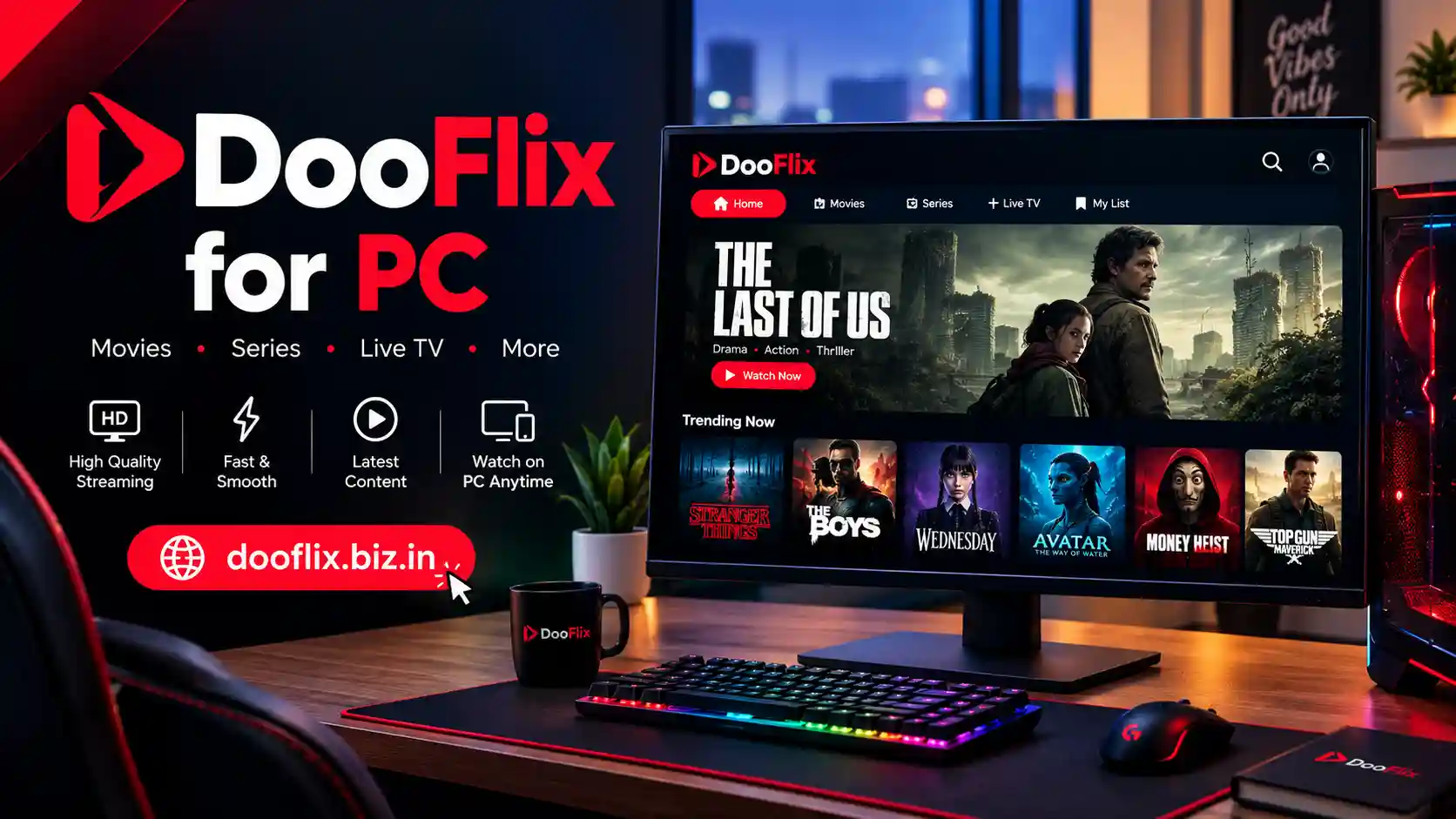
DooFlix for PC generally means using the Android version of DooFlix on a desktop or laptop rather than installing a dedicated Windows version.
An APK is designed for Android. Windows does not normally install an Android APK like a standard .exe or .msi program. Therefore, users who want to run an Android app on a PC need an Android-compatible environment or another supported method.
The exact experience can vary depending on your Windows version, PC hardware, and the method you use.
Can You Run DooFlix APK on a PC?
You cannot normally open an Android APK directly in Windows as you would open a regular Windows application.
In the past, Windows 11 users could use Microsoft’s Windows Subsystem for Android to run certain Android apps. Microsoft has since discontinued that installation path, with the Windows Subsystem for Android and Amazon Appstore no longer available through the Microsoft Store after March 5, 2025.
Because of this change, users should not follow older guides that tell them to install WSA from the Microsoft Store as a current solution.
Ways to Use DooFlix on a PC
The suitable method depends on what you want to do and which operating system your computer uses.
Use an Android-Compatible Environment
One option is to use software that provides an Android environment on a computer. Such software can allow Android applications to run in a window on your PC.
If you choose this route, check the software’s current requirements and download it from its official website. Avoid random modified installers because they can create unnecessary security risks.
Use a Compatible Streaming Method
If the content you want is available through a legitimate web or desktop service, using that service directly on your computer can be simpler than installing an APK.
This option also avoids the compatibility issues that can occur when trying to run an Android application on Windows.
Use Your Android Phone With Your PC
Another approach is to use Microsoft’s Phone Link features where supported. Microsoft says Phone Link can display supported Android apps on a PC, although availability depends on the Android device and supported hardware.
This is different from installing the DooFlix APK directly on Windows because the app remains installed on the Android phone.
DooFlix PC Requirements
There is no universal PC requirement for running DooFlix because the requirements depend on the method you use.
For an Android environment, pay attention to:
- Windows version
- Processor architecture
- Available RAM
- Free storage
- Virtualization support
- Graphics capability
- Internet connection
For example, Microsoft’s former Windows Subsystem for Android requirements included Windows 11, an x64 or ARM64 processor, SSD storage, and Virtual Machine Platform. However, WSA is no longer available as a new Microsoft Store installation path.
If you use another Android environment, its requirements may be different.
How to Download DooFlix APK for PC
If you are specifically looking for the Android APK, remember that an APK is an Android package rather than a Windows installer.
A safer approach is to first check whether the DooFlix service or application has an official PC or web version. If not, you would need a compatible Android environment to run the APK.
Before downloading any APK:
- Check the app requirements.
- Make sure the file comes from a source you trust.
- Avoid modified or suspicious installers.
- Scan downloaded files when possible.
- Keep Windows security features enabled.
Do not download a random .exe file simply because it claims to be a “DooFlix PC version.” An APK and a Windows executable are different file types.
How to Install DooFlix APK on PC
The installation steps depend on the Android environment you choose.
In general, the process works like this:
- Install a trusted Android-compatible environment.
- Complete its initial setup.
- Download the compatible DooFlix APK.
- Open the APK through the Android environment if APK installation is supported.
- Complete the installation.
- Launch the app.
- Test video playback and controls.
The exact menus will differ between Android environments, so follow the documentation provided by the software you install.
DooFlix PC Performance
Performance depends heavily on your computer and the Android environment.
A newer PC with sufficient RAM and a capable processor should generally handle Android virtualization or emulation more comfortably than an older computer. Graphics drivers can also matter for applications that use video playback.
If an Android app feels slow, check whether the Android environment lets you adjust memory, graphics, or performance settings.
Microsoft’s former Android subsystem included separate settings for memory allocation and GPU selection, showing how virtualization resources can affect mobile app performance on Windows.
DooFlix Video Playback on PC
A large computer screen can make video viewing more comfortable, but playback quality still depends on the available video source and internet connection.
If a video keeps buffering, try these basic steps:
- Check your internet connection.
- Close unnecessary applications.
- Restart the Android environment.
- Restart your router.
- Check available PC storage.
- Try a different network if possible.
- Make sure your graphics drivers are up to date.
If other streaming services are also buffering, the issue may be related to your network rather than DooFlix.
DooFlix APK Not Installing on PC
An APK may fail to install when the Android environment does not support its package format, Android version, or processor architecture.
Other possible causes include:
- Damaged APK file
- Insufficient storage
- Incompatible Android environment
- Unsupported architecture
- Existing app conflict
- Missing Android components
First check the requirements of the Android environment and the APK. Re-downloading the same file repeatedly will not solve an underlying compatibility problem.
DooFlix Not Working on PC
If DooFlix installs but does not work correctly, start with basic troubleshooting.
Restart the Android environment and try opening the app again. If that does not help, check the app’s permissions, available storage, network connection, and compatibility.
Microsoft’s documentation for its former Android subsystem also recommended restarting the subsystem and checking individual app settings when mobile apps failed to open or crashed.
If the problem started after an APK update, the new build may have different compatibility requirements.
Is DooFlix for PC Safe?
Safety depends on the application file, the source you download it from, and the software you use to run it.
Avoid downloading unknown “PC versions” from websites that provide modified installers without explaining what they contain. An unknown executable can carry more risk than a standard APK because it runs directly within Windows.
Keep Windows security protections enabled and scan unfamiliar files before opening them.
Also review the permissions requested by any Android environment or application you install.
DooFlix PC Alternatives
If running an Android APK on your computer feels complicated, consider whether a legitimate web-based or Windows-compatible option is available for the content you want to watch.
A browser-based service can be easier because you do not need an Android environment. A dedicated Windows application can also provide better keyboard, mouse, and window support when one is officially available.
Final Thoughts
DooFlix for PC usually means running the Android app through a suitable method rather than installing the APK directly as a Windows program.
Windows users should also be aware that older tutorials about Windows Subsystem for Android are now outdated. Microsoft stopped making WSA and the Amazon Appstore available through the Microsoft Store after March 5, 2025.
Before installing anything, check the current requirements of your chosen Android environment, use trusted files, and make sure your PC has enough resources for smooth performance.
FAQs About DooFlix for PC
Can I install DooFlix APK directly on Windows?
No. An Android APK is not a native Windows application. You need a compatible Android environment or another supported method.
Can I run DooFlix on Windows 11?
It depends on the method you use. Microsoft’s Windows Subsystem for Android is no longer available as a new Microsoft Store installation path, so older WSA guides are outdated.
Is Windows Subsystem for Android still available?
Microsoft states that Windows Subsystem for Android and the Amazon Appstore are no longer available in the Microsoft Store starting March 5, 2025.
Can I use an Android emulator to run DooFlix?
An Android-compatible environment may allow Android applications to run on a PC, but compatibility depends on the software, APK, and your computer.
Why is DooFlix APK not installing on my PC?
The APK may be incompatible with your Android environment, architecture, or Android version. A damaged file or insufficient storage can also cause installation problems.
Can I watch DooFlix on a laptop?
If the application or service is compatible with your chosen PC method, you may be able to use it on a laptop. Performance depends on the laptop’s hardware, software, and internet connection.
Does DooFlix have an official Windows version?
Do not assume that an APK is an official Windows application. Check the application’s official sources for current Windows or web availability.
Can I use my phone’s Android apps on my PC?
Microsoft’s Phone Link can provide access to supported Android apps on a PC, but the feature is limited to supported phones and configurations.