
Before installing any APK, it is important to know whether your phone or device can run it properly. An app may install on one Android device but fail on another because of the Android version, storage, hardware, or system settings.
DooFlix APK is designed for Android devices, but compatibility can vary depending on the version of Android and the device you use. Checking these details first can save you from installation errors, crashes, and playback problems.
This guide explains which Android versions and devices may support DooFlix, what can affect performance, and how to check your device before installing the app.
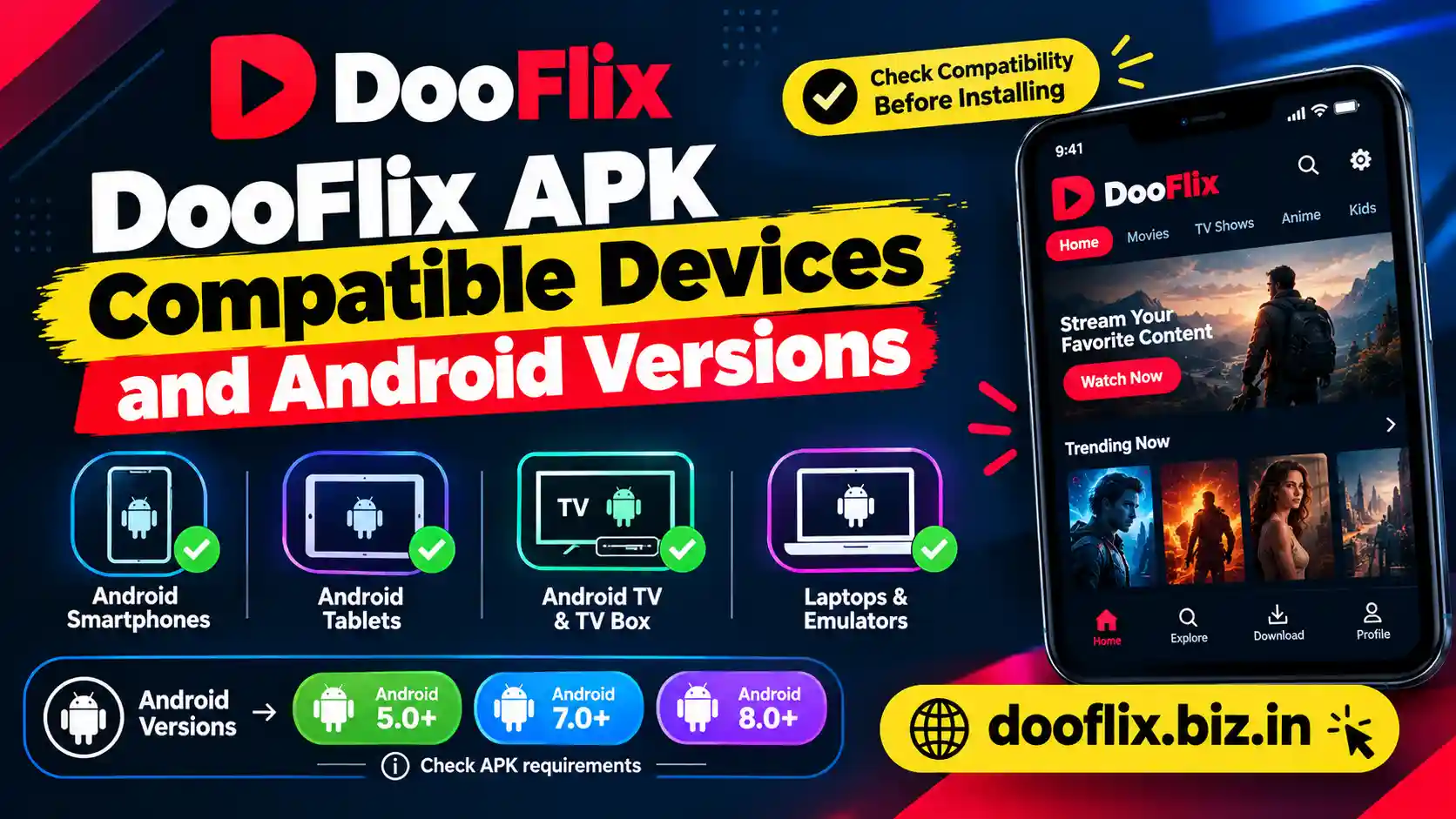
DooFlix APK Android Compatibility
DooFlix is mainly intended for Android users. Modern Android phones and tablets generally provide the hardware and software environment needed to run streaming applications.
However, compatibility is not determined by the Android version alone. RAM, available storage, processor performance, screen resolution, and network quality can also affect how the app works.
If your device uses an older Android release, you may experience installation problems or missing features. Newer Android versions usually provide better support for current app builds.
Which Android Versions Support DooFlix?
The supported Android version can change when a new DooFlix build is released. Developers may also stop supporting very old Android releases over time.
For the best experience, use a device running a reasonably recent Android version. Before installing a specific APK file, check its listed minimum Android requirement.
If an APK requires a newer Android version than your phone has, the installation may fail. In some cases, the app may install but not work correctly.
Android Version Compatibility
Here is a general guide:
| Android Version | Expected Compatibility |
|---|---|
| Android 14 and newer | Generally suitable |
| Android 12–13 | Generally suitable |
| Android 10–11 | Usually suitable |
| Android 8–9 | May depend on the APK build |
| Android 7 or older | Compatibility may be limited |
These are general guidelines rather than a guarantee for every DooFlix release. Always check the requirements of the particular version you plan to install.
Is DooFlix Compatible With Android Phones?
Most modern Android smartphones have the basic hardware required for streaming apps. Devices from different manufacturers can therefore run the app if their Android version meets the APK requirements.
Brand alone does not determine compatibility. A newer budget phone can sometimes run an app better than an older flagship because it has a newer Android release and better software support.
Before installation, check your Android version and make sure you have enough free storage.
Can You Use DooFlix on Android Tablets?
Android tablets can also support streaming applications when they meet the required software and hardware specifications.
The larger display can make browsing and watching content more comfortable. However, the app interface may look different depending on the tablet’s screen size and Android version.
If the APK is not optimized for tablets, some buttons or layouts may not appear exactly as they do on a smartphone.
DooFlix Compatibility With Android TV
Android TV devices have a different interface from standard Android phones. An APK may work on a TV device, but compatibility depends on the specific app build and the TV’s Android version.
Some applications are designed specifically for touchscreens and may not work smoothly with a TV remote. If you want to use DooFlix on Android TV, check whether the particular version supports TV navigation before installing it.
A compatible remote-friendly interface is important for comfortable use on a large screen.
Can DooFlix Run on Low-End Android Phones?
It may work on some entry-level phones, but performance depends on the device specifications.
A phone with limited RAM or an older processor may take longer to open the app. Video playback can also be affected if several apps are running in the background.
For smoother performance, close unnecessary apps, keep enough storage available, and use a stable internet connection.
How Much Storage Does DooFlix Need?
The APK file itself may not require a large amount of storage, but your device needs additional free space for installation, temporary files, cache, and normal Android operations.
If your phone is almost full, you may receive an installation error even when the APK file appears small.
Before installing:
- Remove unnecessary files.
- Delete unused applications.
- Clear old downloads.
- Keep some free internal storage.
- Restart the device if the installation process gets stuck.
What Hardware Is Needed for Smooth Performance?
There is no single hardware specification that guarantees perfect performance because streaming quality also depends on software and internet speed.
Still, a device with adequate RAM, a modern processor, and sufficient storage usually provides a better experience.
Your internet connection is equally important. A powerful phone may still experience buffering when the network is slow or unstable.
How to Check Your Android Version
Checking your Android version only takes a few seconds on most phones.
Open Settings and look for About Phone or About Device. You should see information about the Android version installed on your device.
The exact menu name can differ between Samsung, Xiaomi, Oppo, Vivo, OnePlus, Realme, and other brands.
Once you know your Android version, compare it with the minimum requirement mentioned for the DooFlix APK version you want to install.
Why Does DooFlix Say “App Not Installed”?
An “App not installed” message can appear for several reasons. Your Android version may not meet the APK requirement, the downloaded file may be incomplete, or there may not be enough storage.
Another common reason is that an older version of the same app is already installed and conflicts with the new package.
Try these basic steps:
- Check your Android version.
- Make sure enough storage is available.
- Remove an older conflicting installation if appropriate.
- Download the APK again from a source you trust.
- Restart your device and try the installation again.
Avoid installing random modified APK files simply to bypass compatibility errors.
How to Improve DooFlix Performance
If the app is compatible but feels slow, the problem may not be compatibility. Background applications, limited storage, outdated software, and poor network conditions can all affect performance.
You can improve the experience by keeping Android updated, closing unnecessary background apps, clearing temporary cache when needed, and maintaining enough free storage.
For video playback, use a reliable Wi-Fi or mobile data connection. If your connection is unstable, lowering video quality may also reduce buffering.
DooFlix APK Compatibility Checklist
Before installing a new version, check these points:
- Your Android version meets the APK requirement.
- Your device has enough free storage.
- The APK file is intended for your device architecture.
- Your internet connection is stable.
- Your Android system is reasonably up to date.
- The downloaded file comes from a source you trust.
- You have checked the permissions requested by the app.
These simple checks can prevent many common installation problems.
DooFlix APK on Older Android Devices
Older phones require extra attention because newer APK releases may drop support for outdated Android versions.
If your phone cannot install a current version, do not assume that downloading an older APK is automatically safe. Older files can come from unknown sources and may contain unwanted changes.
If an older Android device is no longer supported, upgrading the device or using a compatible, trusted streaming service may be a safer option.
Final Thoughts
DooFlix APK compatibility depends on more than the name of your phone. Android version, hardware, storage, and network conditions can all affect how the app performs.
Modern Android devices are generally better suited to current application releases. Before installing any APK, check its specific Android requirement and make sure your device has enough storage.
If you experience an installation or playback problem, first check compatibility instead of repeatedly installing different APK files. This simple step can save time and help keep your device more secure.
FAQs About DooFlix APK Compatibility
Is DooFlix APK compatible with all Android phones?
No. Compatibility can vary according to the Android version, hardware, storage, and the specific APK release.
Can I install DooFlix on an Android tablet?
It may work on Android tablets that meet the required software and hardware specifications. The interface may vary depending on the tablet.
Does DooFlix work on Android TV?
Some versions may work on Android TV, but support depends on the APK build and TV device. Check TV compatibility before installation.
Why is DooFlix APK not installing on my phone?
The APK may require a newer Android version, your storage may be insufficient, or another installation may be causing a package conflict.
How do I check my Android version?
Go to Settings > About Phone or Settings > About Device. The Android version should be listed there.
Can DooFlix work on an old Android phone?
It depends on the Android version and the specific DooFlix release. Older devices may not support newer APK builds.
Does RAM affect DooFlix performance?
Yes. Limited RAM can make streaming applications slower, especially when several other apps are running in the background.
What should I check before installing DooFlix APK?
Check the Android requirement, available storage, device compatibility, APK source, and requested permissions before installing the file.