
Looking for the best DooFlix alternatives for Android? If DooFlix is not working properly, keeps buffering, or does not offer the movies you want to watch, several other streaming apps are worth considering. Some services offer free movies with ads, while others provide a larger collection of films and TV shows through a paid subscription. The right choice depends on your budget, preferred content, and location. In this guide, we will cover popular alternatives, their main features, and what to consider before installing them. You will also learn how to choose a streaming app that works well on your Android phone or tablet.
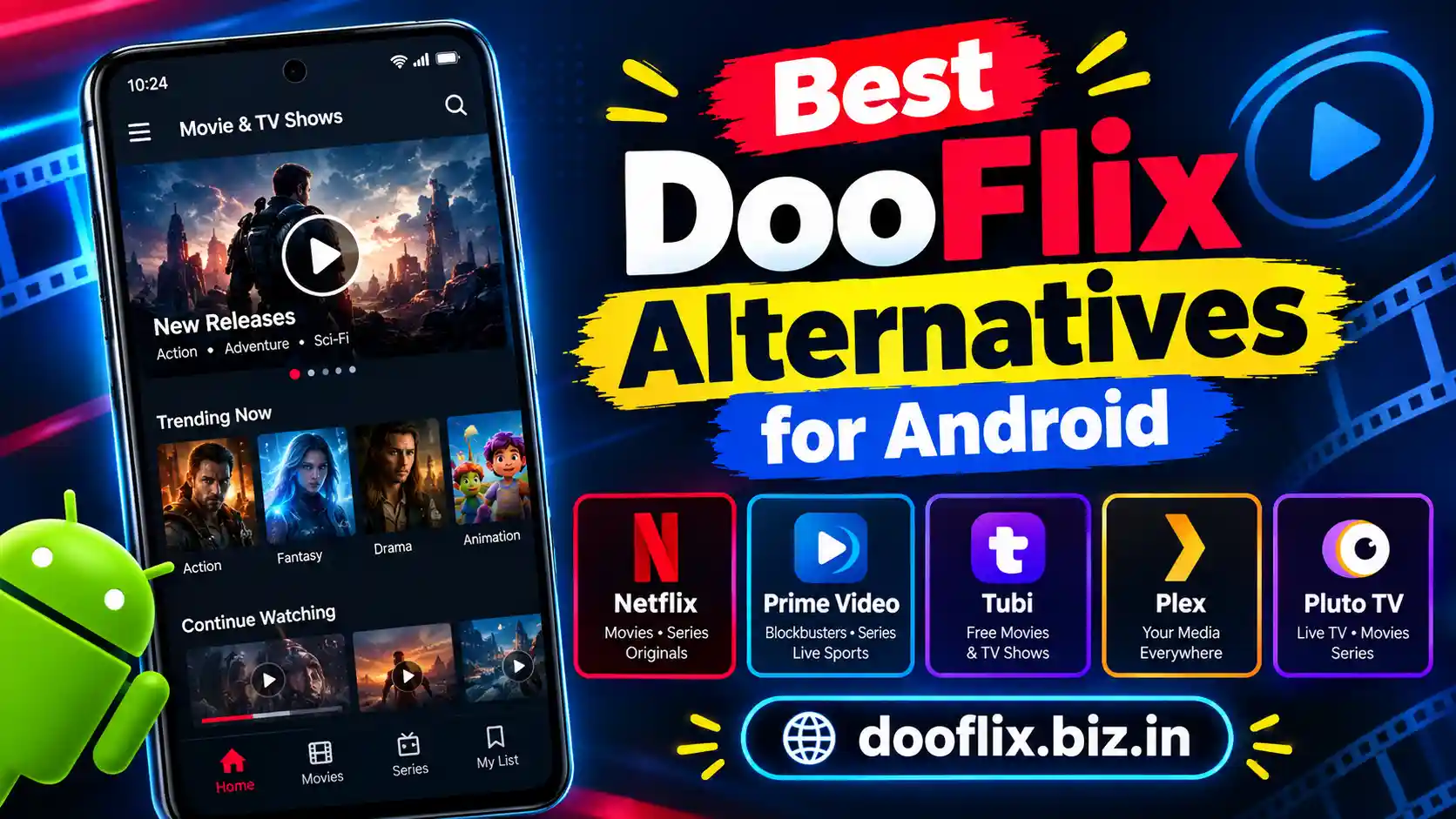
What Are the Best DooFlix Alternatives for Android?
Several streaming services can serve as alternatives to DooFlix. Some focus on free, ad-supported movies, while others offer subscription-based entertainment.
Here are six options to consider:
- Tubi
- Plex
- Pluto TV
- Netflix
- Amazon Prime Video
- YouTube
Each service offers a different viewing experience. Free services may have advertisements and limited catalogs, while paid platforms usually require a subscription or payment for selected content. Availability also depends on your country.
1. Tubi
Tubi is a free, ad-supported streaming service that offers movies and TV shows. It is worth considering if you want to watch selected content without paying for a monthly subscription.
The app features different genres, including comedy, action, drama, horror, and family entertainment. Its library includes older films, television programs, and selected newer titles. You can browse the available catalog and choose something that matches your interests.
One benefit of Tubi is that its basic service does not require a paid subscription. However, advertisements appear during playback. Its content library also varies by country, so some titles may not be available in your region.
Key features:
- Free, ad-supported streaming
- Movies and TV shows across different genres
- On-demand playback
- A simple way to browse available titles
Tubi is an option for users who want free entertainment through an established streaming service. Check its availability in your country before installing it.
2. Plex
Plex offers free, ad-supported movies and TV shows alongside tools for organizing and streaming your personal media collection. This makes it useful for people who want more than a standard streaming app.
You can browse its supported free content or use Plex to organize compatible media files that you own. With the appropriate setup, you can also stream your personal library to supported devices.
Plex is free to install, but some features may require payment or additional setup. Its free streaming catalog is also different from its personal media features.
Key features:
- Free movies and TV shows with ads
- Personal media library management
- Support for streaming compatible personal files
- Access across supported devices
- Additional features through paid options
Plex may suit Android users who want a combination of free streaming and personal media management. Check which features are available in your region and whether your preferred setup requires extra equipment.
3. Pluto TV
Pluto TV combines live television channels with on-demand movies and shows. It is a useful alternative for viewers who enjoy browsing channels instead of choosing every program themselves.
The service offers different types of programming, including entertainment, news, movies, and television shows. You can use its channel guide to see what is playing or browse its on-demand section for available titles.
Pluto TV is free and supported by advertisements. However, its channel lineup and movie catalog can vary depending on your location.
Key features:
- Free live TV channels
- On-demand movies and shows
- Channel guide for scheduled programming
- Different entertainment categories
- No conventional paid subscription for its free content
If you enjoy the traditional TV experience, Pluto TV is worth checking out. Keep in mind that a specific movie may not always be available to play whenever you want.
4. Netflix
Netflix is a subscription-based streaming platform with movies, TV series, documentaries, and original productions. It is an option for users who want a dedicated streaming service with a regularly changing catalog.
The app lets you browse content, create profiles, and receive recommendations based on your viewing activity. Supported plans and titles vary by country. Some plans may include advertisements, while others offer different viewing benefits.
Netflix is not a free replacement for DooFlix. You need a suitable subscription to watch most of its catalog. However, it can be useful if you prefer a paid service with licensed content and supported playback features.
Key features:
- Movies, series, and documentaries
- Original films and TV shows
- Personalized recommendations
- Multiple user profiles
- Offline downloads for eligible titles and plans
Before subscribing, check the current price, available plans, and catalog in your country.
5. Amazon Prime Video
Amazon Prime Video offers movies, television series, and original productions through its streaming service. Depending on your location, you may also find selected content available for rent or purchase.
The app supports browsing by genre, searching for specific titles, and watching content on compatible devices. Some eligible titles can be downloaded for offline viewing through the app.
Prime Video generally requires a subscription for its included catalog, although payment options and content access vary by market. Some titles may require an additional rental or purchase fee.
Key features:
- Movies and TV series
- Original productions
- Search and personalized recommendations
- Offline downloads for eligible content
- Rental and purchase options where available
Prime Video is worth considering if you want access to a mix of popular films and exclusive series. Review the subscription terms and additional charges before choosing a plan.
6. YouTube
YouTube is another option for Android users who want to watch video content. Along with creator videos, the platform offers official movie channels, documentaries, trailers, and other entertainment.
Some movies are available to watch for free, while others may require a rental, purchase, or subscription. The available options depend on your location and the rights attached to each title.
YouTube is easy to use if you already have the app installed. You can search for a movie, explore official channels, or browse recommendations. However, not every movie or TV show is available in full for free.
Key features:
- Free videos from official channels
- Movies and documentaries where available
- Search and personalized recommendations
- Support for Android phones and tablets
- Rental and purchase options in supported regions
For a straightforward option, YouTube is useful for finding legally uploaded entertainment and selected full-length movies.
DooFlix Alternatives Comparison
The following table summarizes the main differences between these streaming apps.
| App | Cost | Main content | Best suited for |
|---|---|---|---|
| Tubi | Free with ads | Movies and TV shows | Free on-demand viewing |
| Plex | Free options; paid features | Movies and personal media | Streaming and media organization |
| Pluto TV | Free with ads | Live TV and on-demand content | Channel-based viewing |
| Netflix | Paid plans | Movies and series | Subscription streaming |
| Prime Video | Subscription or other fees | Movies and series | Original and licensed content |
| YouTube | Free and paid content | Videos and selected movies | General video entertainment |
Note: Availability, pricing, advertisements, and content libraries can change by country. Check the official service for current details. Free access does not mean every title is free.
How to Choose the Right DooFlix Alternative
Choosing a streaming app becomes easier when you know what matters most to you. Before installing an alternative, consider these points.
Check Content Availability
Start by checking whether the service offers the movies and TV shows you want to watch. A large catalog does not guarantee that a specific title will be available in your country.
Search for your preferred movies before paying for a subscription.
Compare Free and Paid Options
If you do not want to spend money, look for services with a genuine free tier. Tubi, Plex, and Pluto TV offer free, ad-supported content in supported regions.
Paid services such as Netflix and Prime Video may offer different titles and features, but their subscription costs should fit your budget.
Look at Video Quality
A good streaming experience depends on both the service and your internet connection. Check whether the app supports the video quality you need and whether your device can play it smoothly.
If your connection is slow, lower playback quality may help reduce buffering.
Check Android Compatibility
Before installing an app, review its Android requirements and device support. Download it through Google Play or the service’s official website whenever possible.
Avoid unofficial APK files that promise access to paid movies for free. They may expose your device to harmful software or misuse your personal information.
Consider Ads and Offline Viewing
Free streaming apps often use advertisements to support their content. If you prefer fewer interruptions, compare the available paid plans.
If you travel or have limited internet access, check whether the app supports offline downloads. This feature may be restricted to certain titles, plans, or regions.
How to Install a Streaming Alternative on Android
Most streaming apps can be installed directly from Google Play. The process is simple and usually takes only a few minutes.
Follow these steps:
- Open the Google Play Store on your Android phone.
- Search for the streaming app you want to install.
- Check the app name and publisher.
- Tap Install.
- Wait for the installation to finish.
- Open the app and sign in if required.
- Browse the available movies and start watching.
If an app is not available in your region, check its official website for supported countries and installation options. Do not download an APK from an unfamiliar website just to bypass regional restrictions.
Are DooFlix Alternatives Safe to Use?
The safety of a streaming app depends on its source, permissions, and how it handles your information. Installing an app from Google Play or an official provider can help reduce the risk of downloading a modified or harmful file.
Before using any streaming service, check its publisher, privacy policy, and requested permissions. Be careful with apps that ask you to install additional software, disable Android security features, or provide unnecessary personal information.
You should also consider copyright. Choose services that have the necessary rights to distribute their movies and TV shows. An app being available as an APK does not automatically mean its content is licensed or that the file is safe.
Frequently Asked Questions
What are the best DooFlix alternatives for Android?
Tubi, Plex, Pluto TV, Netflix, Prime Video, and YouTube are options to consider. They offer different types of content, pricing, and viewing features. Availability varies by country, so check which services work in your region.
Which DooFlix alternative is free?
Tubi, Pluto TV, and Plex offer free, ad-supported streaming in supported regions. YouTube also has free content, including selected movies. However, not every title on these platforms is available at no cost.
Which app is similar to DooFlix for watching movies?
Tubi and Plex are options for users looking for on-demand movies. Pluto TV offers movies alongside live channels. The right choice depends on the titles available in your country and whether you prefer free or paid streaming.
Can I watch movies for free on Android?
Yes. Some legitimate services offer selected movies without a subscription. These services usually show advertisements or provide access to a limited catalog. Check the content and regional availability before installing an app.
Are free movie streaming apps safe?
Established services downloaded from their official sources are generally a safer choice than unknown streaming APKs. Still, review app permissions and privacy policies, and avoid apps that request unnecessary access or encourage you to disable security protections.
Do DooFlix alternatives work without an internet connection?
Most streaming apps require an internet connection to play content. Some services offer offline downloads for eligible titles. Download availability may depend on the subscription, country, and licensing restrictions.
Can I install these alternatives on Android TV?
Some of these services support Android TV and other television devices. However, compatibility varies by app and device. Check the official app listing to confirm that your television is supported.
Why should I use an alternative to DooFlix?
You may want an alternative if DooFlix is not working, has limited content, or raises concerns about reliability and security. Established streaming services can offer clearer pricing, supported apps, and licensed content, although their catalogs and costs differ.
Final Thoughts
There are several DooFlix alternatives for Android, but the right one depends on what you want to watch and how much you want to spend. Tubi, Plex, and Pluto TV offer free, ad-supported options in supported regions. Netflix and Prime Video provide subscription-based catalogs, while YouTube combines free videos with selected paid movie options.
Before choosing an app, check its availability in your country, compare its content, and review its costs. Always install apps from trusted sources and avoid unofficial APKs that promise unrestricted access to copyrighted movies. A suitable streaming service should fit your viewing habits, device, and budget without creating unnecessary security risks.